
moveMouse and dragMouse use human-like Bézier curves by default.
Click the mouse
Simulate mouse clicks at specific coordinates. You can select the button, click type (down, up, click), number of clicks, and optional modifier keys to hold.Move the mouse
Move the cursor to specific screen coordinates. By default, the cursor follows a human-like Bezier curve path instead of teleporting instantly. You can control this withsmooth and duration_ms.
Smooth vs instant movement
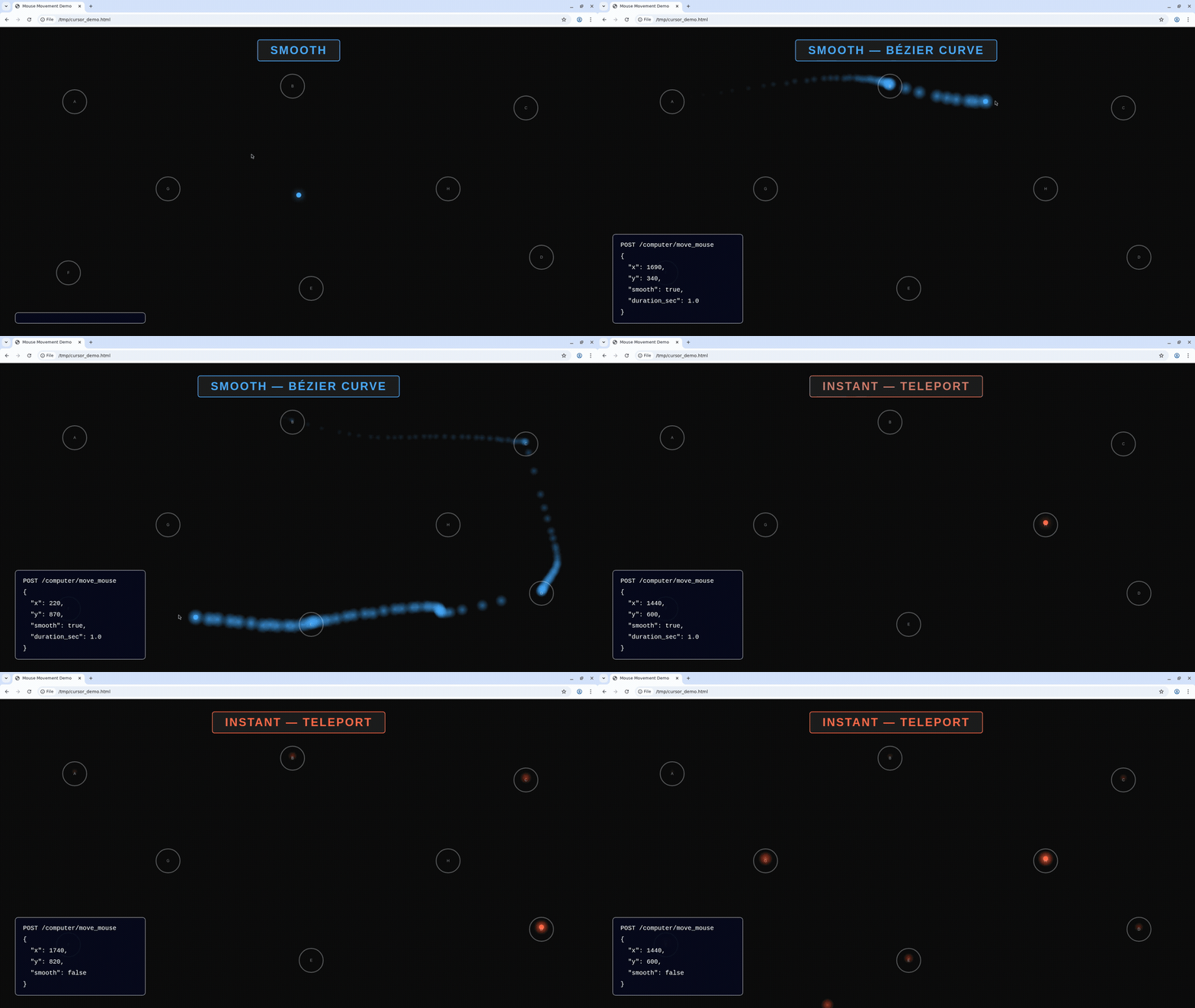
Blue = smooth Bezier path, Red = instant teleport
Take screenshots
Capture a full-screen PNG or a specific region.Type text
Type literal text on the host. By default, typing uses human-like variable timing: word-sized chunks, natural pauses at word and sentence boundaries, and optional realistic typos corrected with backspace. Setsmooth: false for xdotool typing with a fixed per-keystroke delay (delay, in ms) or instant input when delay is 0.
Smooth vs instant typing
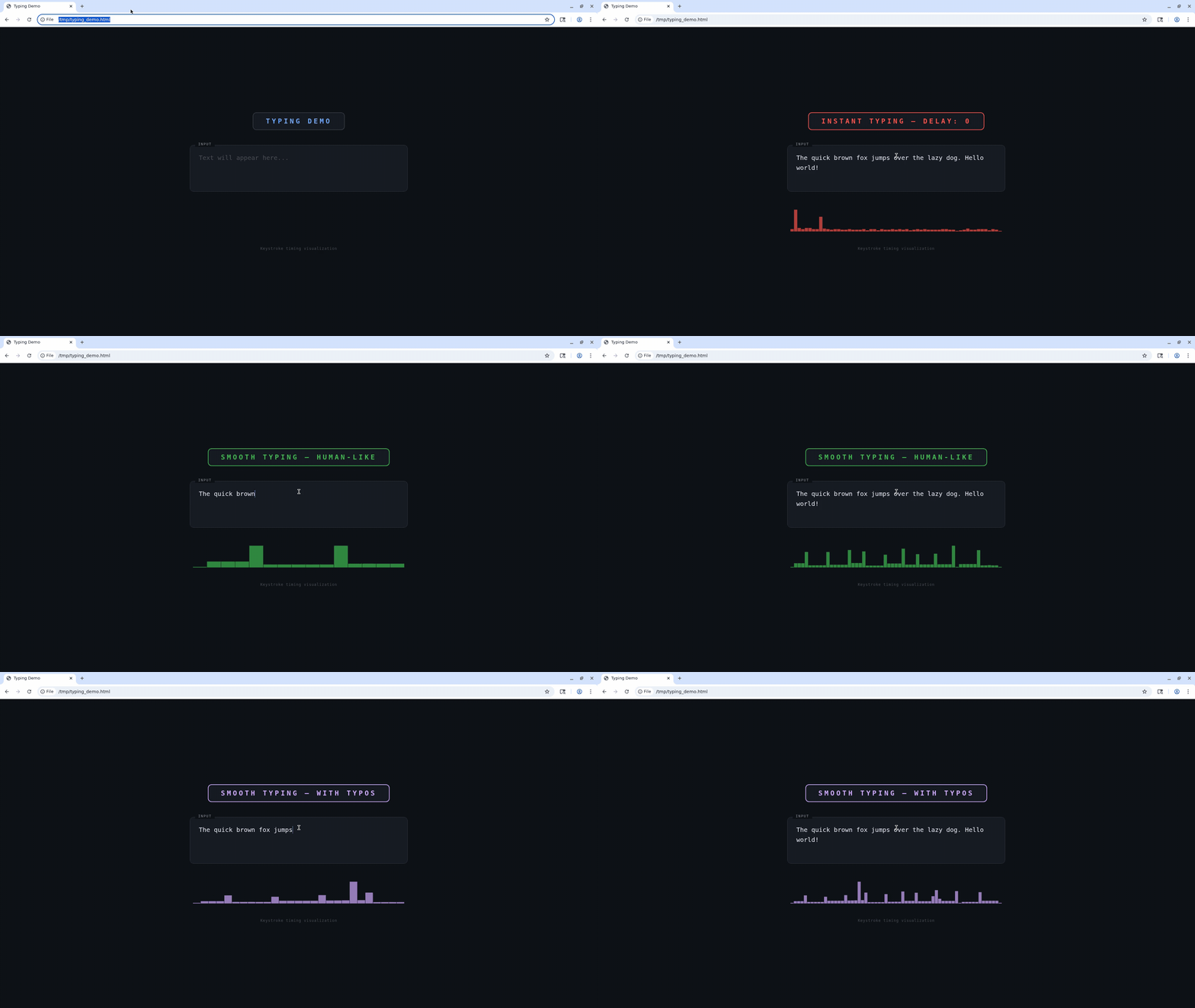
Instant typing (all at once) vs smooth human-like typing with variable delays and typo correction
Press keys
Press one or more key symbols (including combinations like “Ctrl+t” or “Ctrl+Shift+Tab”). Optionally hold modifiers and/or set a duration to hold keys down.Scroll
Scroll the mouse wheel at a specific position. Positivedelta_y scrolls down; negative scrolls up. Positive delta_x scrolls right; negative scrolls left. Scroll amounts refer to “wheel units.”
Drag the mouse
Drag by pressing a button, moving along a path of points, then releasing. By default, drag movement uses human-like Bezier curves between waypoints. Setsmooth: false to use linear interpolation with steps_per_segment and step_delay_ms instead.
Smooth vs linear drag
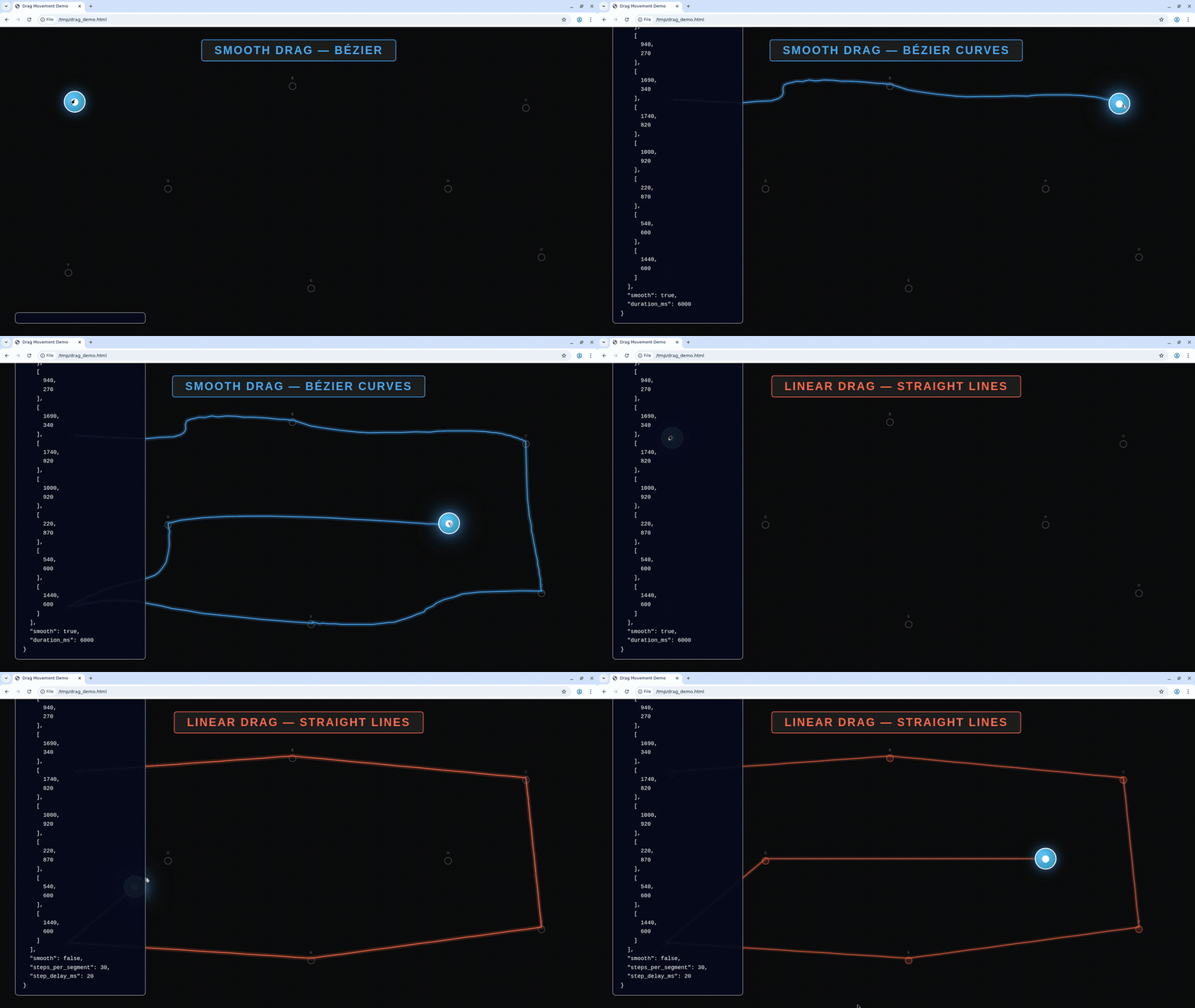
Blue = smooth Bezier curves, Red = linear interpolation